Preview Dashboards with Simulated Data in ControlCom Connect
What's New
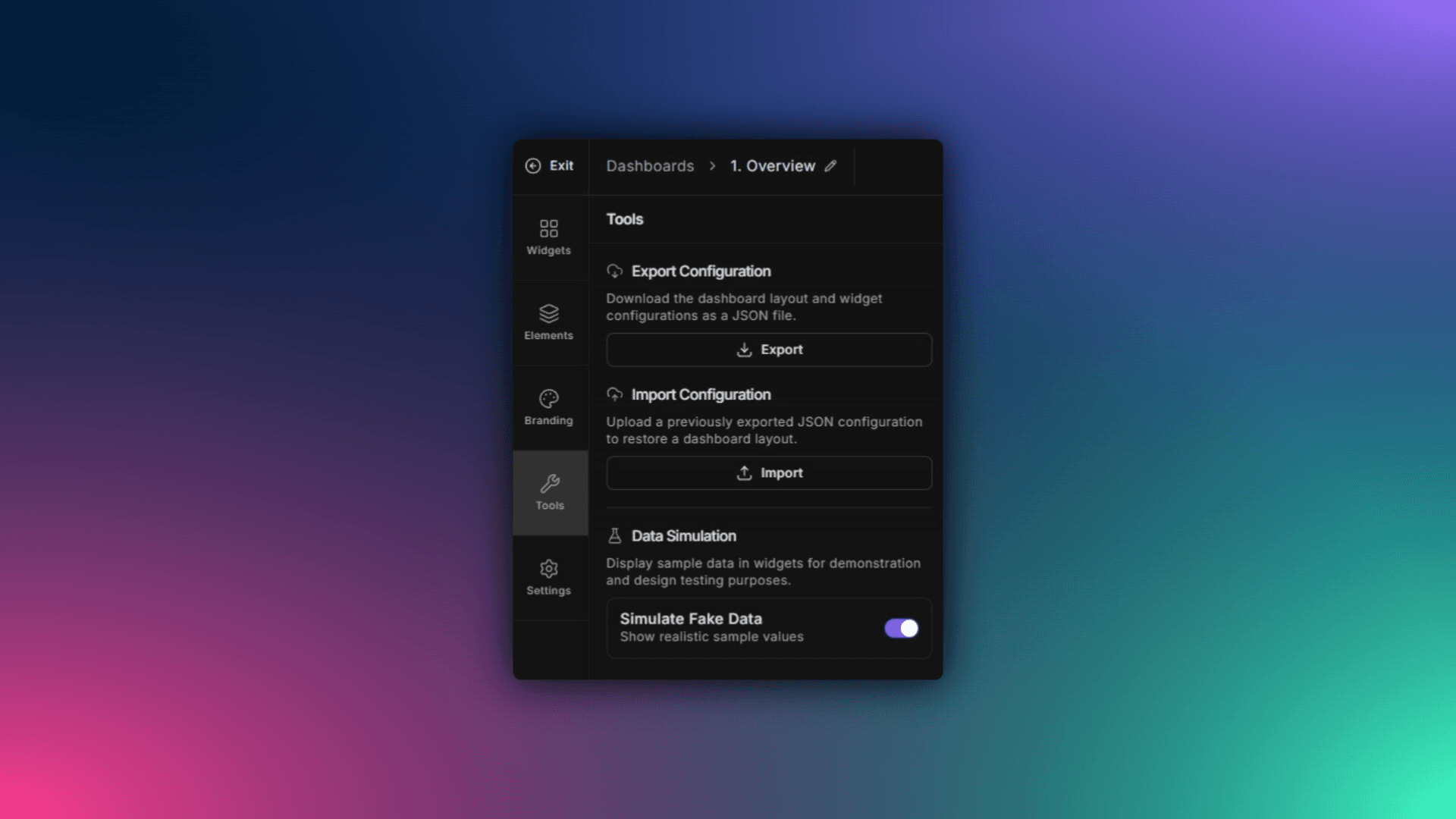
ControlCom Connect now lets you simulate data on any dashboard, even when your variables have no live values. You can see exactly how your final design will look with realistic data flowing through charts, gauges, and widgets.
No more guessing. No more waiting for equipment to come online.
How It Works
Enable simulation mode: Toggle simulated data on any dashboard from the designer's Tools tab.
See your layout in action: Widgets populate with representative values so you can evaluate spacing, thresholds, and visual balance
Build demo accounts: Create polished, fully-functional demos for prospective clients or internal stakeholders without connecting to real assets
Why It Matters
For integrators building customer-facing dashboards, this means you can finalize designs before a single PLC is wired. For OEMs creating demo environments, you get a realistic showcase without shipping test equipment.
Whether you're pitching a new SCADA monitoring project or onboarding a water utility, simulated data helps you present a finished product—not a placeholder.