Build
Drag & drop builder
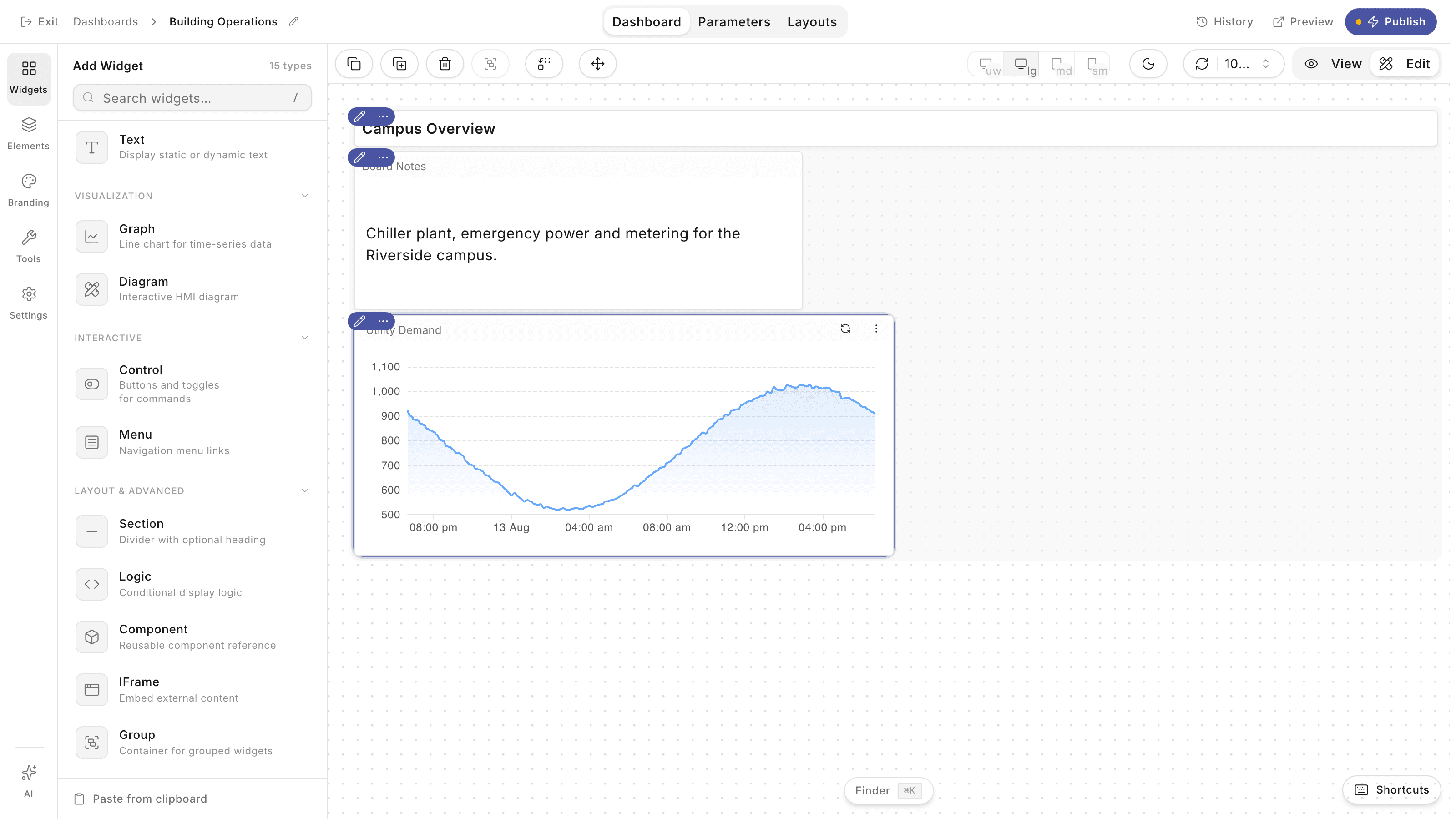
Assemble dashboards from 50+ pre-built widgets with custom layouts and responsive design, then save and share them as templates.
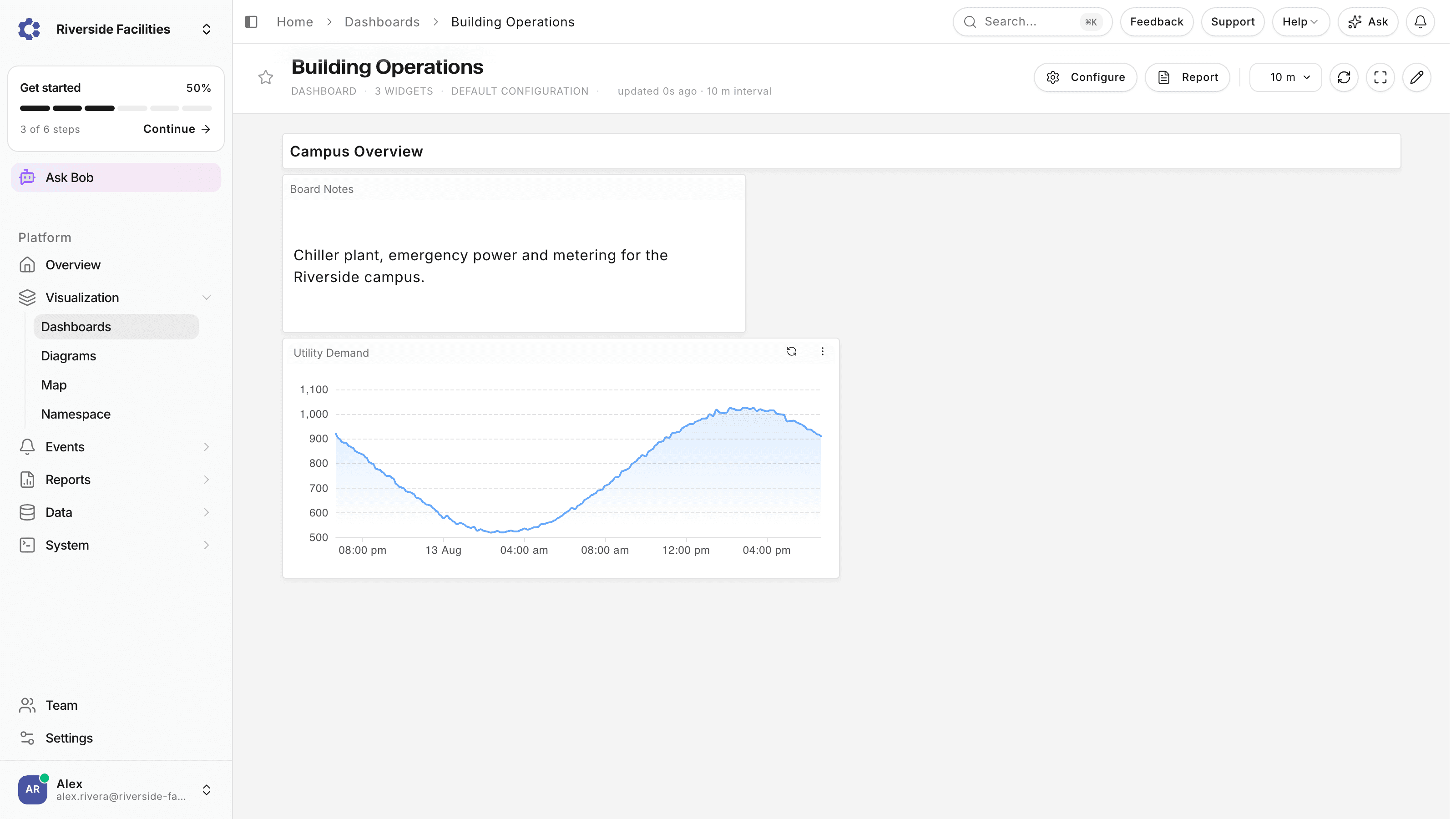
Operational dashboards built for industrial environments, with the widgets, live data, and cross-site views your team relies on.
Assemble dashboards from 50+ pre-built widgets with custom layouts and responsive design, then save and share them as templates.
Readings stream in sub-second with historical trend overlays, auto-scaling charts, and alerts that fire the moment a threshold breaks.
Trend the same metric across every facility side by side, with normalized comparisons and benchmarking across regions.
Compose the view your team needs, watch it update live, and tailor every widget without touching code.
Drag widgets onto a responsive canvas, arrange them for the way your team works, and save the result as a reusable template.
Pick from 30+ chart types, set custom color schemes, and add interactive controls so each panel answers a real operational question.
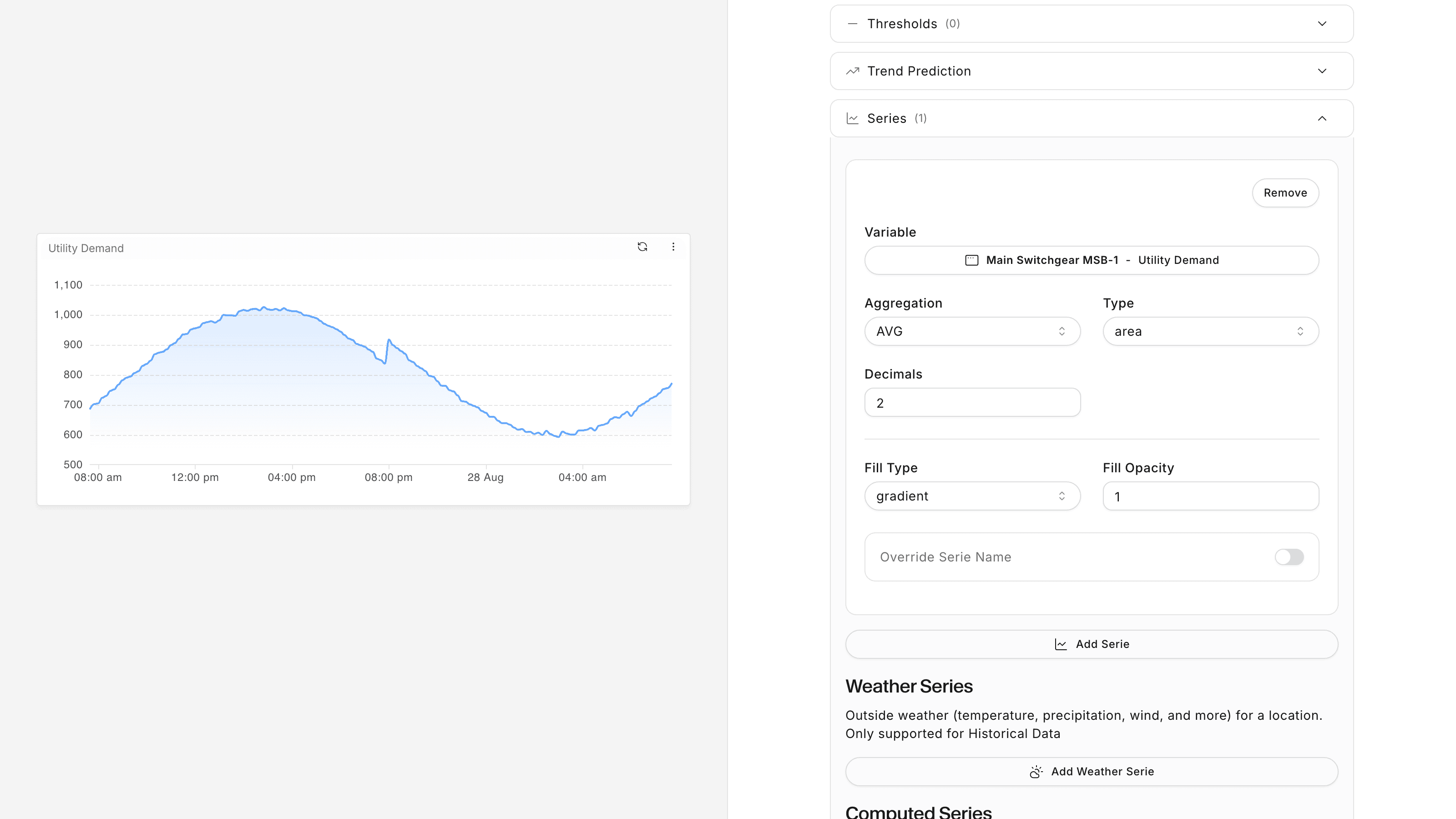
Readings stream in sub-second with historical overlays and auto-scaling charts, so a threshold breach surfaces as an alert instead of a surprise. When a trend needs digging into, the same variables open in the Data Explorer on the analytics side of the platform, pre-loaded over the period you choose.
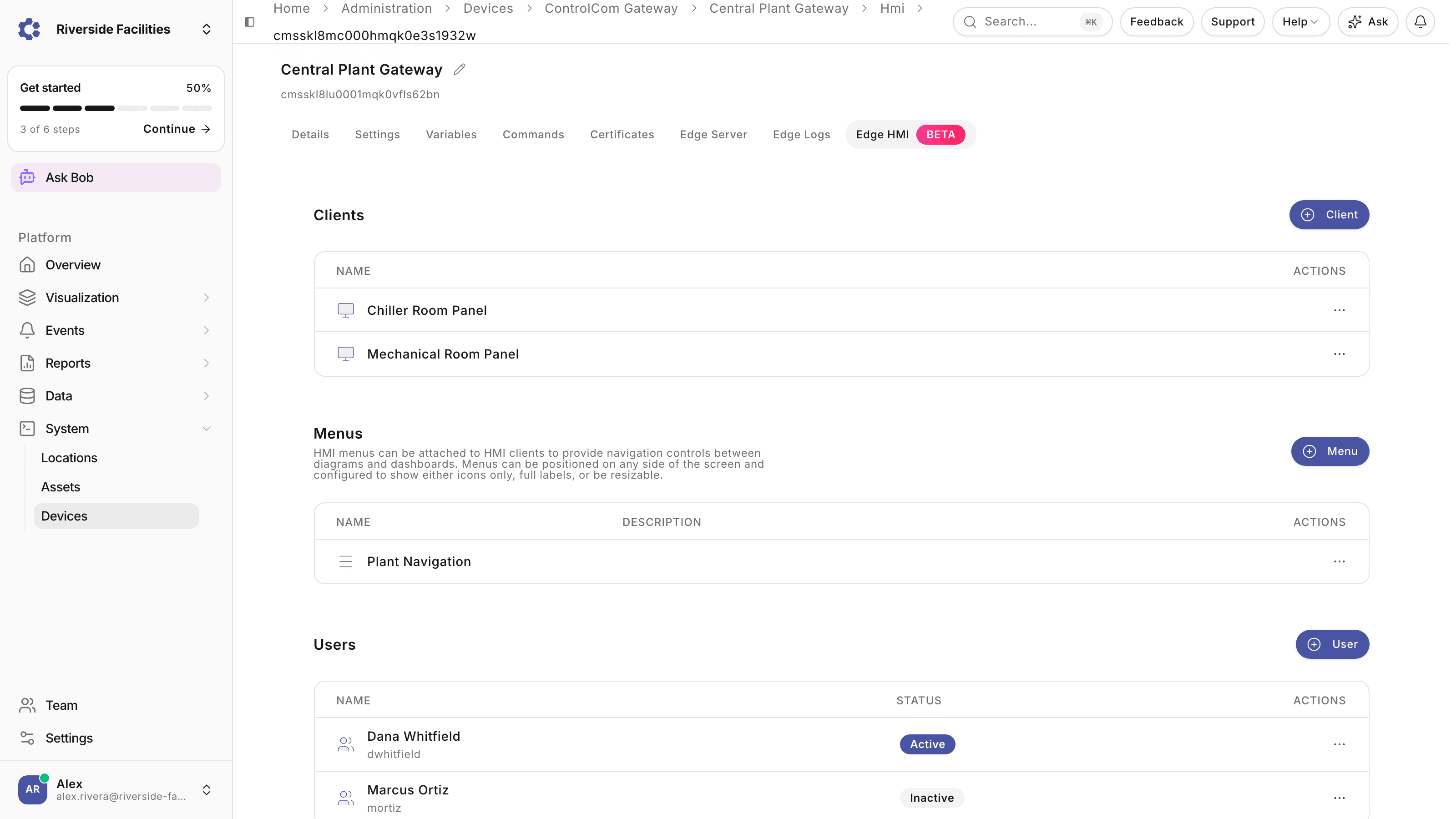
The dashboards you build in the cloud editor can also run on-premise as a local HMI, with no internet dependency.
Edge HMI panels are installed on local machines and connect directly to the ControlCom Edge Server on your network, so live values and controls stay on screen even while the site is offline. Power generation control rooms, manufacturing lines, and water treatment facilities run this way: the process is monitored locally, and the same boards stay visible to the wider team in the cloud. The standby power chain in a data center follows the same pattern on the NOC wall.
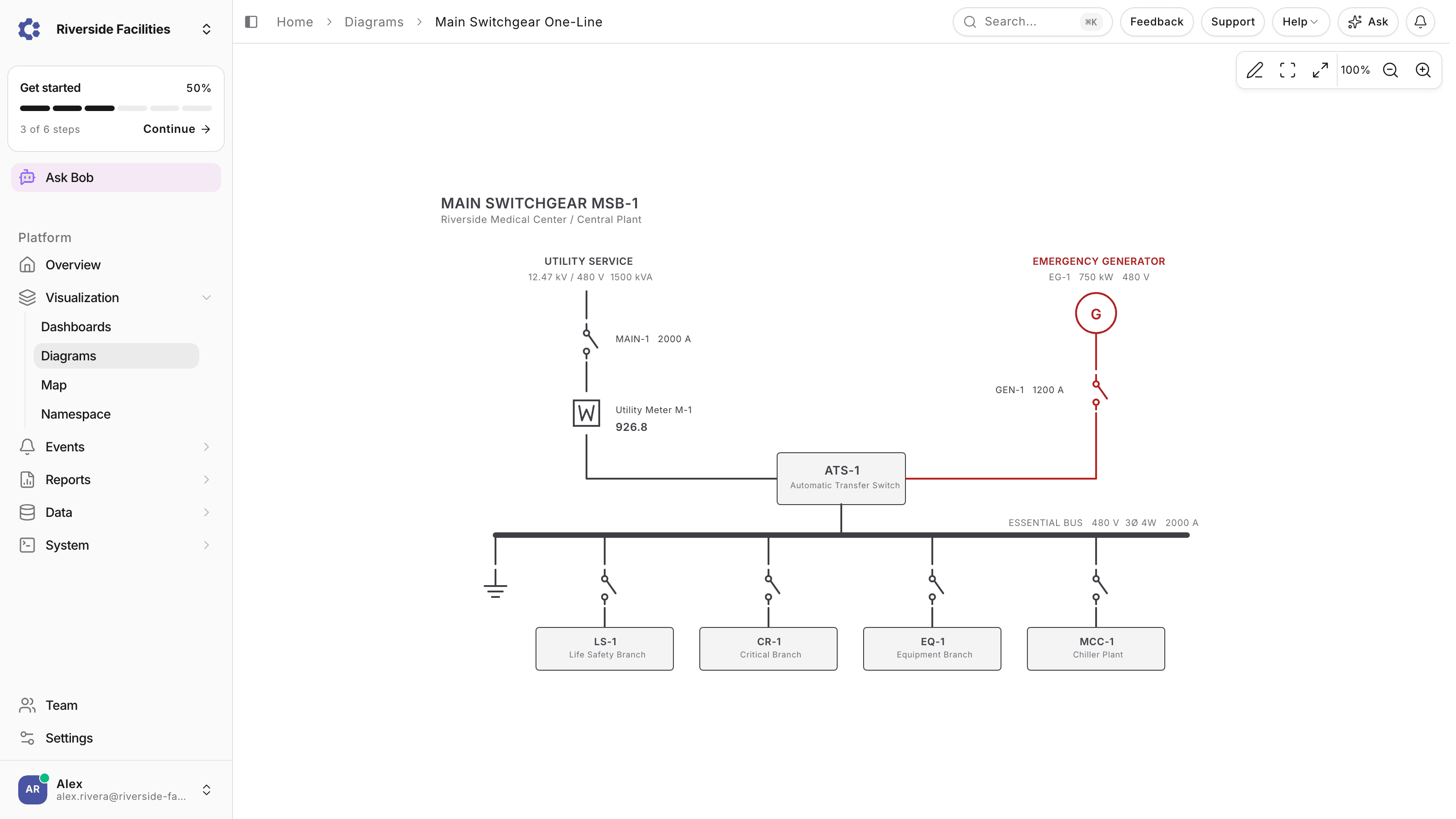
Interactive diagrams give operators a SCADA-style view of the system: clickable elements, status indicators, and a layout that matches the plant. A diagram can open a dashboard and a dashboard can embed a diagram, so the numbers and the plant layout stay one click apart. Alarm management runs alongside, with prioritization, acknowledgment tracking, and escalation, and years of operational history feed trend reviews for teams working on equipment performance. Teams weighing a traditional HMI build can see how it stacks up against Ignition.
Open Visualization, then Dashboards in the sidebar and click the Dashboard button in the top right. The create dialog asks for a name and three settings: Lock Dashboard Updates, which restricts editing to you; Public, on by default, which lets every user in the organization view the board; and Limited to Device, which scopes it to a single device or leaves it on all devices. Click Create and the board opens in the editor: widget palette on the left, 12-column canvas on the right. Add widgets, arrange them on the grid, and click Publish when the layout is ready. Each publish is recorded with a comment, and History lists previous versions and can restore one. The editor keeps a separate layout per screen size, from wall display down to phone.
The Add Widget palette is organized in four groups. Display widgets show current state: Status pairs a live value with a label, Radial draws it as a gauge, List and Generic cover tabular and free-form values, and Asset Table fills itself from your assets, grouped by location. Visualization widgets plot and map: Graph charts a time series, and Diagram embeds an interactive SCADA-style diagram. Interactive widgets act on the plant: Control sends commands back to a device, and Menu builds navigation between boards. Layout widgets such as Section, Text, Logic, Component, and IFrame structure the page, and they render without any data, which makes them a practical starting point on a new organization. Widgets that plot values bind to device variables, so once readings are stored, any widget can chart any point.
Yes. Edge HMI panels are installed on local machines and connect directly to the ControlCom Edge Server on the local network rather than to the cloud, so operators keep live values and controls on screen even while the site is offline. The Edge Server stores readings locally through an outage and syncs them to the cloud when the connection returns, so the historical record has no gaps. You build the board once in the cloud editor and run it in both places: on the control room wall as a local HMI with millisecond response, and in the browser for the wider team. High-security facilities run the same setup air-gapped, keeping control entirely local while choosing what synchronizes out. Full screen mode and multi-screen support cover wall displays and operator stations alike.
Access starts with role permissions: viewing boards requires the Read Dashboards permission, and creating, editing, and deleting each have their own permission that an administrator grants per role. Within that, each board carries its own visibility settings. A Public board can be viewed by every user in the organization; turn Public off and it stays under My Dashboards for its owner only. Lock Dashboard Updates restricts editing to the owner, the right setting for a board that should not drift once it is on a control room screen. Boards can also be assigned to an asset or a location, so the board becomes that equipment's default view wherever it appears in the platform. Reusable components share widget arrangements between boards, and the dashboard list has search and filters for status, device, and owner.
See ControlCom Connect dashboards against your own equipment in a 30-minute demo with engineers who have actually run the plant.
Sizing it up?See plans and allotments.