Skip Repeated MFA Prompts with Trusted Devices
What's New
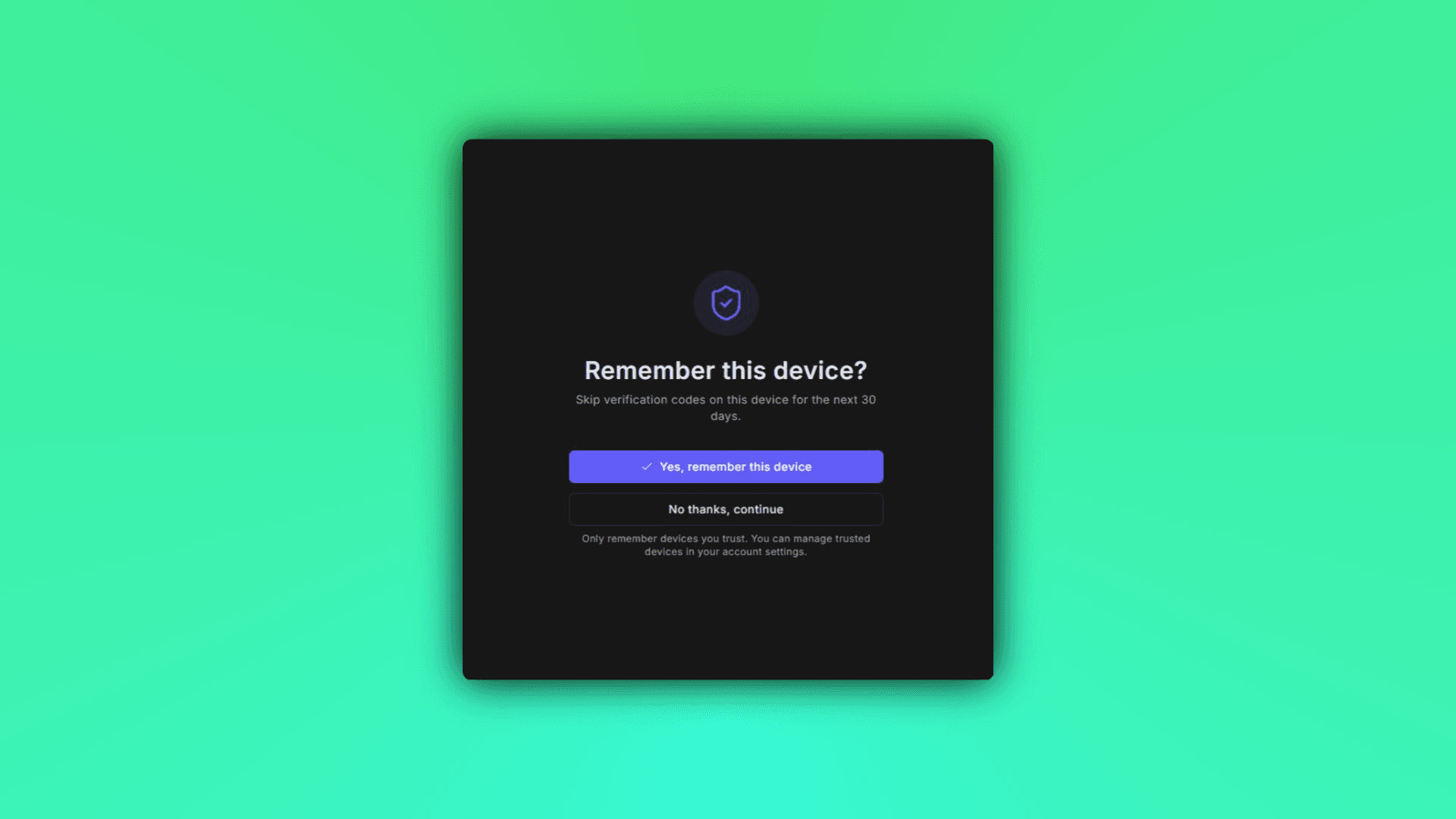
ControlCom Connect now lets you trust devices for multi-factor authentication. Once you verify a device, you won't be prompted for an MFA code every time you log in from that same browser or machine.
This is especially useful for integrators and plant managers who access the platform multiple times a week from the same secure workstation. You stay protected without the friction of repeated code entries.
How It Works
Trust a device at login: After entering your MFA code, check the option to remember the device
Manage trusted devices: View and remove trusted devices anytime from your account security settings
Stay in control: Revoke trust instantly if a device is lost, shared, or no longer in use
Why It Matters
For teams managing remote monitoring across water/wastewater systems, manufacturing floors, or distributed commercial sites, logging in shouldn't slow you down. Trusted devices mean faster access to alarms, dashboards, and analytics—without compromising security.