Diagrams Updates
10 updates in this category.
September 28, 2026
Operator Rounds & Generator
This update covers everything released in ControlCom Connect since August 4. The largest additions are Operator Rounds for recording manual readings, a Generator Event Report for documenting outages and FEMA claims, and a weekly digest of...
Read moreAugust 4, 2026
Smart HMI & Weather Metrics
This update to ControlCom Connect brings environmental context to your data and more powerful tools for managing your HMI and SCADA workflows. From weather overlays on your graphs to advanced duplication tools, plant managers and...
Read moreJuly 22, 2026
Gateway OS & Secure Login
Gateway OS & Edge Management ControlCom Connect now includes a significantly upgraded Gateway OS interface, providing plant managers and integrators with more direct control over edge hardware for remote monitoring. This update simplifies...
Read moreJune 30, 2026
Diagrams light & dark mode
Hierarchical HMI and Diagrams Building complex visual interfaces for water/wastewater or manufacturing sites is faster with new reusable structures and logic tools in the HMI editor. Nested Diagram Instances: Create reusable diagram...
Read moreMay 1, 2026
Predictive Monitoring With Anomaly Detection
This update to ControlCom Connect introduces smarter ways to monitor your industrial assets and faster tools to design your HMI screens. From spotting unusual data patterns automatically to streamlining how you edit complex system...
Read moreApril 23, 2026
Expanded API and Improved Diagram Controls
ControlCom Connect continues to evolve as a flexible hub for industrial monitoring and analytics. This latest update focuses on providing integrators with more powerful tools to customize the platform and gives operators more granular...
Read moreApril 16, 2026
Find and Replace + Radial Cards in the Diagram Editor
Building complex HMI screens for your industrial systems just got much faster. The latest update to ControlCom Connect focuses on reducing the manual work required to build and maintain detailed system diagrams, especially when managing...
Read moreApril 12, 2026
Interactive HMI Screens and Asset Management
This update for ControlCom Connect introduces interactive controls to your system diagrams and provides better tools for managing your facility hierarchy. Whether you are an integrator setting up a new site or a plant manager cleaning up...
Read moreMarch 20, 2026
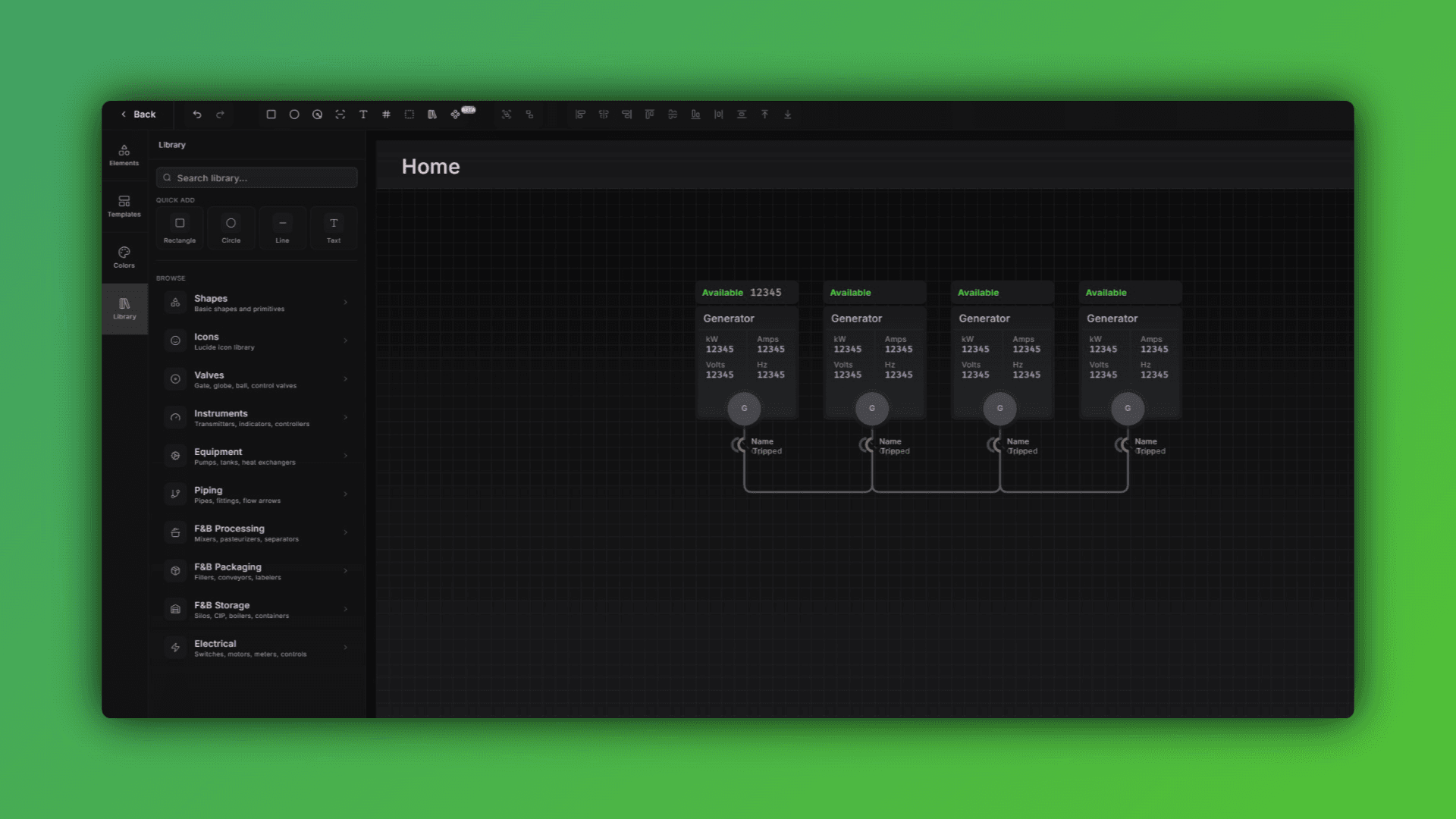
Diagram Editor: Faster Performance and In-Diagram Graphs
What's New in the Diagram Editor If you're building out system diagrams for large facilities or complex IIoT architectures, this update is going to make that work noticeably faster and more flexible. Here's what changed: Performance...
November 7, 2025
Diagram Editor - History Retention
Diagram editor now keeps your edit history. Undo and redo your changes without losing work. Useful when you're making lots of small adjustments and want to revert without manually fixing everything.
Read more