Get the latest updates and improvements to ControlCom Connect.
4 updates in this category.
May 1, 2026
This update to ControlCom Connect introduces smarter ways to monitor your industrial assets and faster tools to design your HMI screens. From spotting unusual data patterns automatically to streamlining how you edit complex system diagrams, these changes focus on reducing downtime and saving engineering time.
You can now enable anomaly detection to automatically identify unusual patterns in your data. Instead of relying solely on fixed thresholds, this feature helps plant managers and operators catch deviations that might indicate equipment failure or process inefficiencies before they trigger a critical alarm.
Building detailed diagrams for water/wastewater facilities or manufacturing lines is now much more efficient with new multi-select and text tools.
Viewing and interacting with live data is now more intuitive with improved graph controls and command management.
April 16, 2026
Building complex HMI screens for your industrial systems just got much faster. The latest update to ControlCom Connect focuses on reducing the manual work required to build and maintain detailed system diagrams, especially when managing large numbers of variables across production lines.
When you are managing a large-scale deployment, updating variable mappings one by one is time-consuming. Now you can find and replace variables directly within the diagram editor. This makes it easier to duplicate screens for similar assets or update your data mapping without rebuilding elements from scratch.
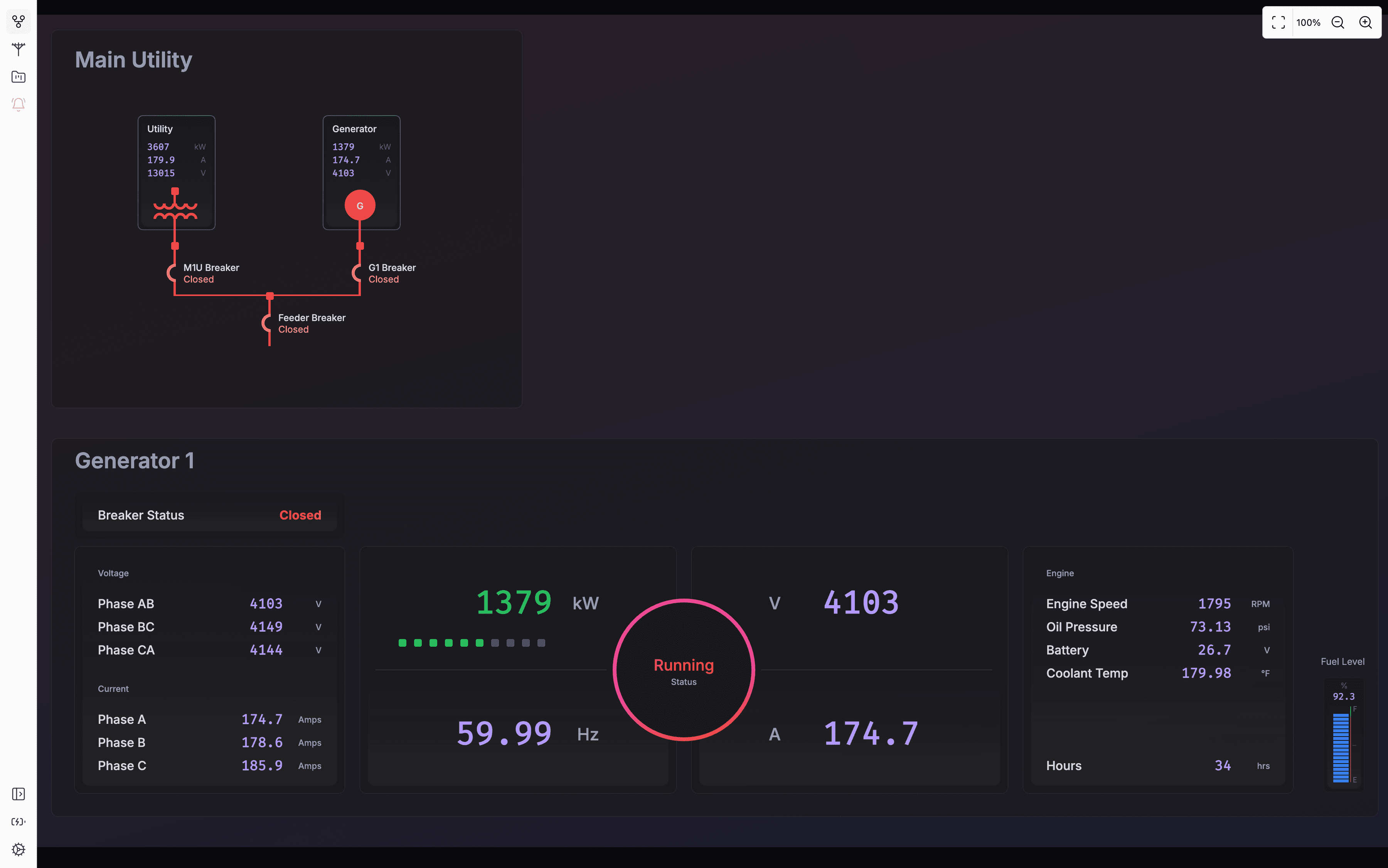
This update adds a Radial Card primitive to your toolkit. This new element provides a clean, circular visual for displaying key performance indicators (KPIs) like pressure, temperature, or motor speed. It is designed to give operators high-level status updates that are easy to read from across the plant floor.
We have added more sophisticated controls for element visibility. This means you can create dynamic diagrams where parts of the interface appear or disappear based on real-time machine states. To help you set this up faster, the expression editor now includes quick actions for common logic tasks.
Managing your hardware connections is now simpler with several updates to our core tools:
These improvements were built for integrators who need to deploy systems quickly while maintaining a high standard of visual clarity for plant managers and operators.
April 12, 2026
This update for ControlCom Connect introduces interactive controls to your system diagrams and provides better tools for managing your facility hierarchy. Whether you are an integrator setting up a new site or a plant manager cleaning up old data, these changes make the platform more functional and easier to navigate.
You can now add interactive button elements directly to your diagrams within the HMI Editor. This allows you to build more functional interfaces for your operators. Instead of just viewing data, you can design your SCADA-style screens to include triggers for specific actions or navigation paths.
Keeping your IIoT environment organized is now easier. We have added the ability to delete locations and assets directly from the platform. If equipment is decommissioned or a site layout changes, you can remove those items to keep your views relevant and uncluttered.
This is particularly useful for large-scale deployments in water/wastewater or manufacturing where assets are frequently rotated or updated. Removing old assets ensures your team focuses only on live, active equipment.
We have also polished the appearance of the data tables and graphs within the Explorer. These visual enhancements make it easier to read high-density industrial data at a glance, helping you identify trends or anomalies faster during your daily monitoring routines.
November 12, 2025
The Edge HMI now has the capability to dynamically refresh its view if there was a diagram or dashboard change on the ControlCom Connect platform. All it requires is for the Edge Server to be restarted to pull latest changes.
No need to close the Edge HMI application and relaunch it!