General Updates
15 updates in this category.
September 28, 2026
Operator Rounds & Generator
This update covers everything released in ControlCom Connect since August 4. The largest additions are Operator Rounds for recording manual readings, a Generator Event Report for documenting outages and FEMA claims, and a weekly digest of...
Read moreAugust 4, 2026
Smart HMI & Weather Metrics
This update to ControlCom Connect brings environmental context to your data and more powerful tools for managing your HMI and SCADA workflows. From weather overlays on your graphs to advanced duplication tools, plant managers and...
Read moreJuly 4, 2026
AI Assistant & Alarm Replay
This update to ControlCom Connect introduces smarter ways to interact with your industrial data and simulate system behavior. From AI-driven assistance to advanced alarm simulation, these tools are built to help plant managers and...
Read moreJune 15, 2026
Global Search & New Reports
Finding the data you need and managing large-scale equipment fleets is now much faster in ControlCom Connect. This update introduces platform-wide search, deeper asset reporting, and expanded hardware support for industrial monitoring...
Read moreJune 4, 2026
Enhanced Alarm Management
This update to ControlCom Connect introduces advanced workflows for managing industrial alerts and more ways to share your data. Plant managers and integrators can now coordinate faster response times through dedicated alarm assignments...
Read moreMay 14, 2026
Device Templates for Faster Fleet Management
Managing a large fleet of field sensors just got simpler. We have overhauled how device data is organized within ControlCom Connect, making it easier for integrators to scale their monitoring systems while maintaining data integrity across...
Read moreMay 6, 2026
Device Diagnostics and Security Enhancements
Managing your industrial hardware and facility data is now more transparent. This update to ControlCom Connect brings better diagnostic tools for field devices, enhanced security for large teams, and smarter ways to anticipate system...
Read moreApril 23, 2026
Expanded API and Improved Diagram Controls
ControlCom Connect continues to evolve as a flexible hub for industrial monitoring and analytics. This latest update focuses on providing integrators with more powerful tools to customize the platform and gives operators more granular...
Read moreApril 15, 2026
Asset Hierarchies and Relationships for Facilities
Managing complex industrial environments requires more than just a list of devices. ControlCom Connect now provides deeper organizational tools to help you map your digital twin to your physical facility more accurately. Organize with...
Read moreFebruary 27, 2026
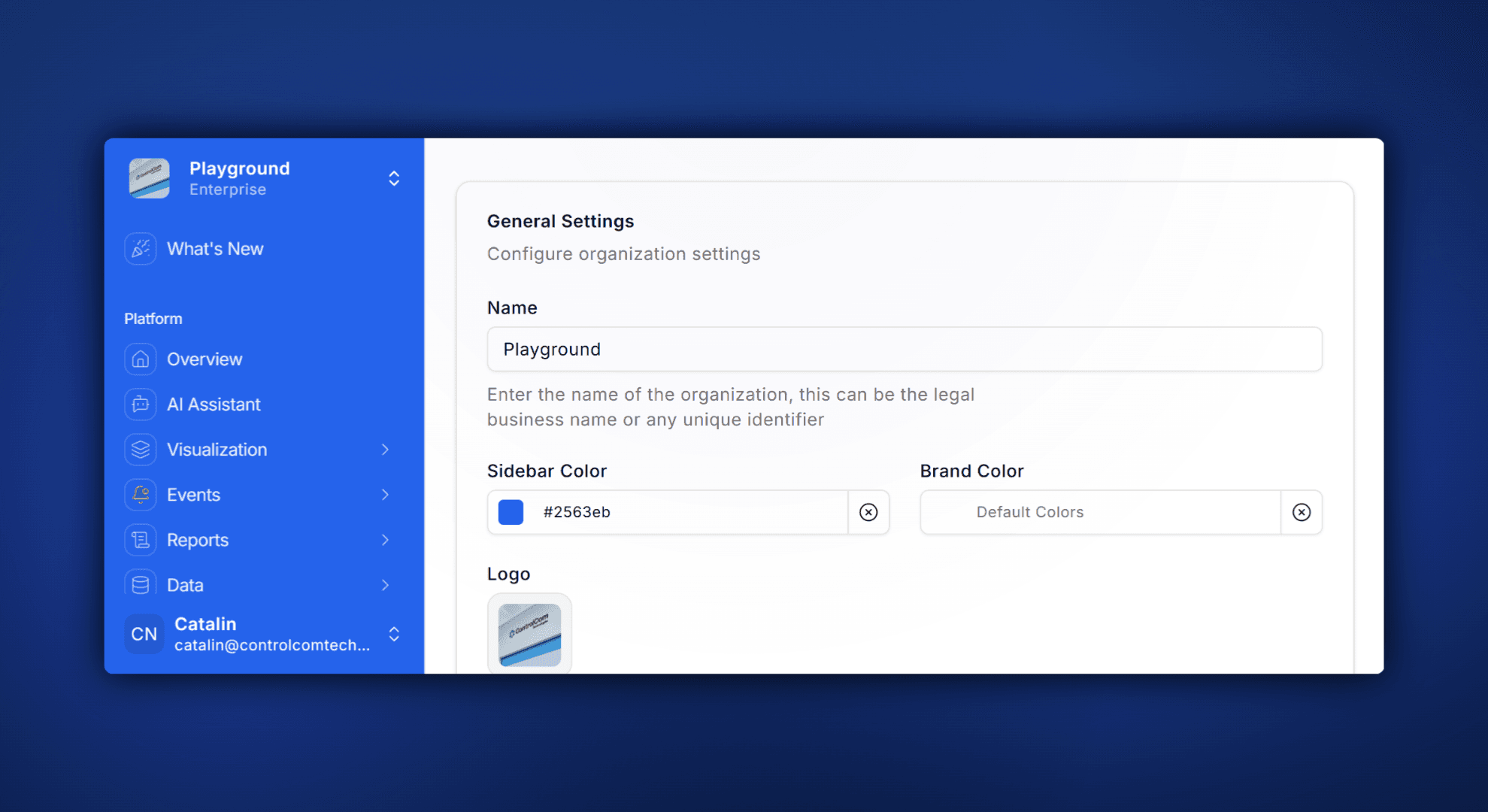
Custom Branding: Sidebar Colors and Logo Uploads
What's New ControlCom Connect now lets you put your own brand on the platform. Upload a custom logo, pick your sidebar color, and give your team (or your customers) a monitoring experience that looks and feels like yours. This is...
December 26, 2025
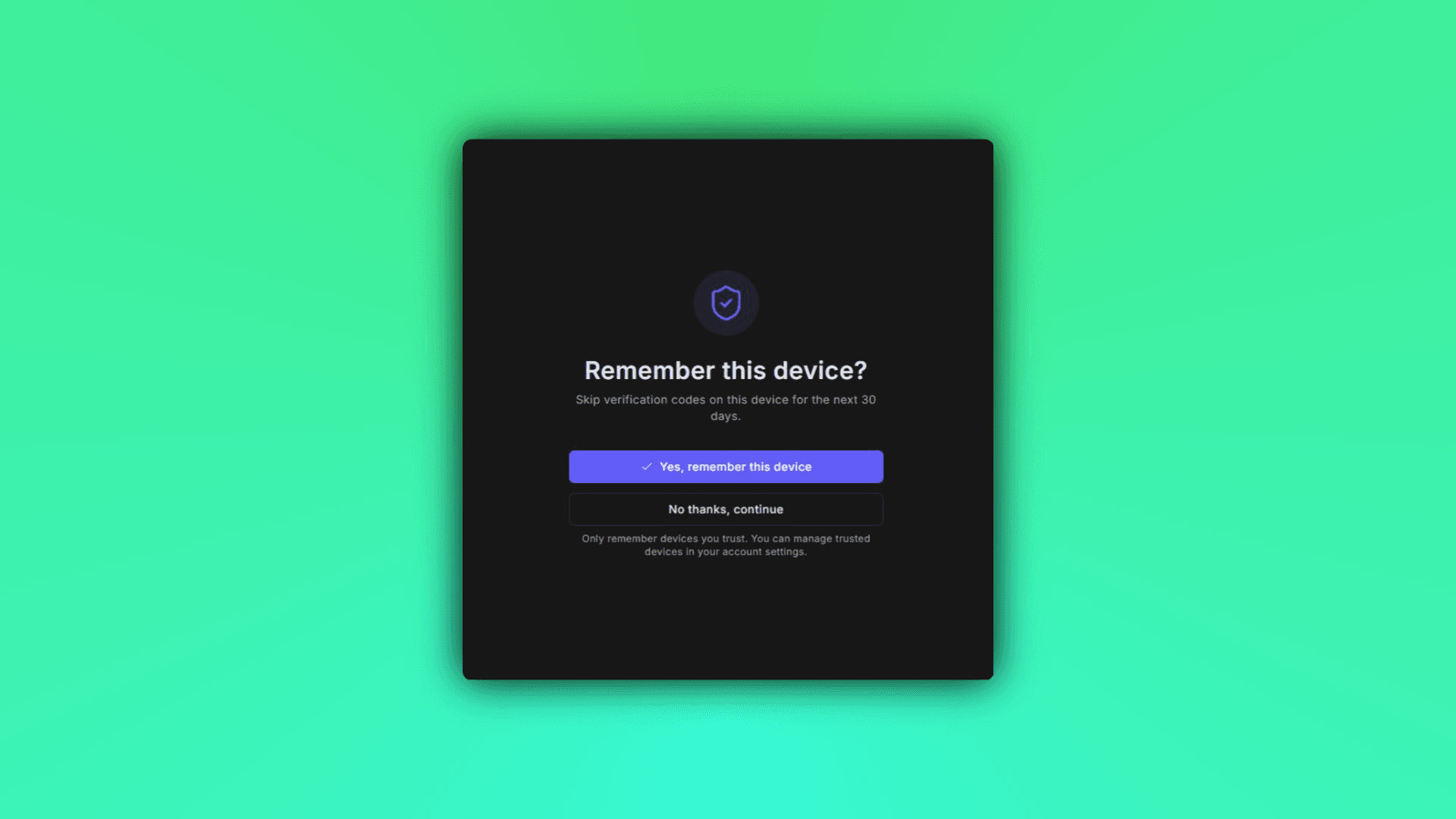
Skip Repeated MFA Prompts with Trusted Devices
What's New ControlCom Connect now lets you trust devices for multi-factor authentication. Once you verify a device, you won't be prompted for an MFA code every time you log in from that same browser or machine. This is especially useful...
December 10, 2025
ControlCom Connect Now Open to Developers and Integrators
Build custom integrations, dashboards, and automation on ControlCom Connect. Public access now available for developers and integrators. Build What Your Customers Actually Need ControlCom Connect is now open to developers and integrators...
Read moreDecember 1, 2025
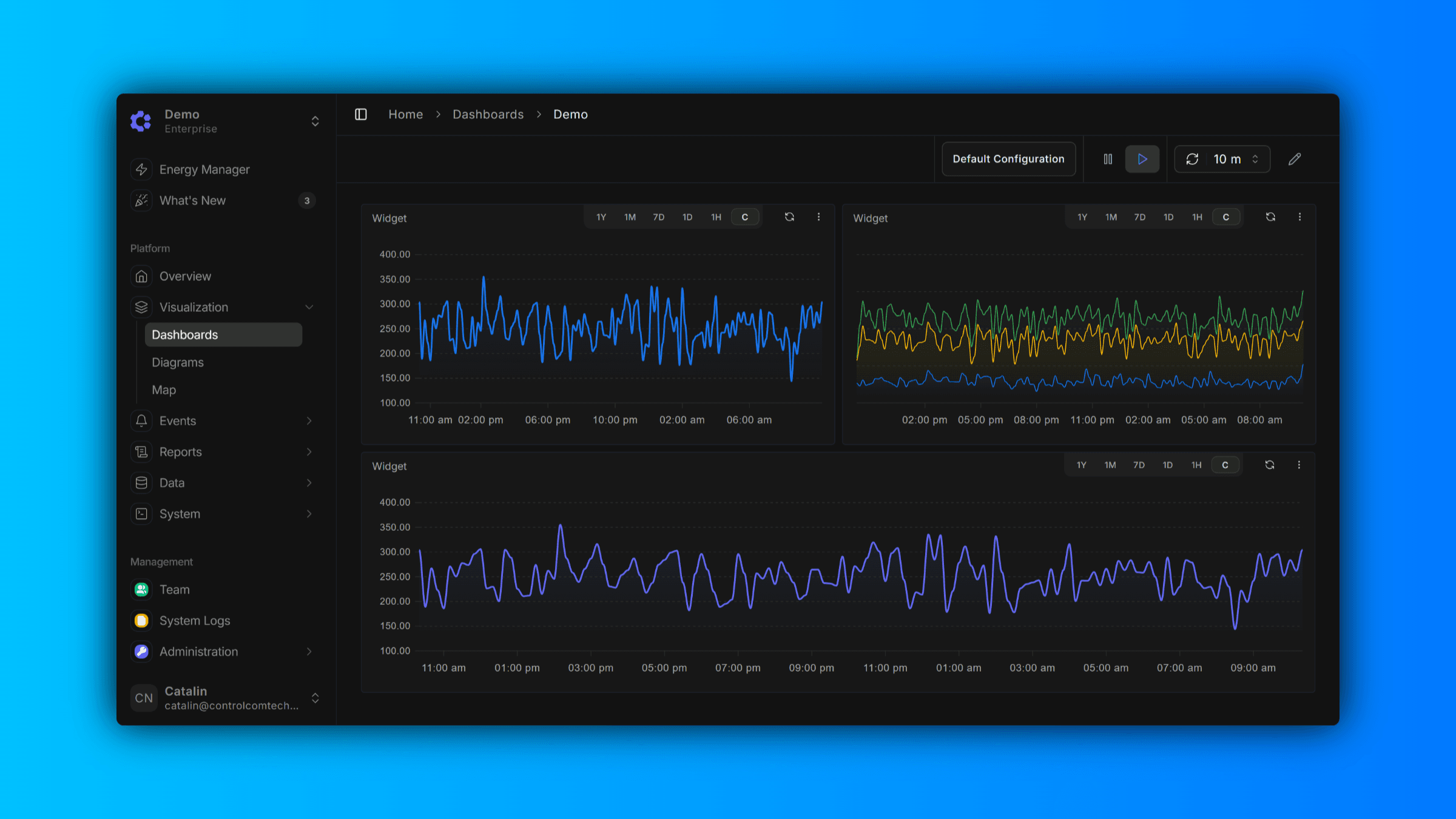
Enhanced Dark Mode With Higher Contrast
We've given Dark Mode a fresh new look. Based on user feedback, we've moved away from our previous muted color palette to a higher-contrast theme designed for improved legibility and reduced eye strain. Whether you're looking at dashboards...
November 24, 2025
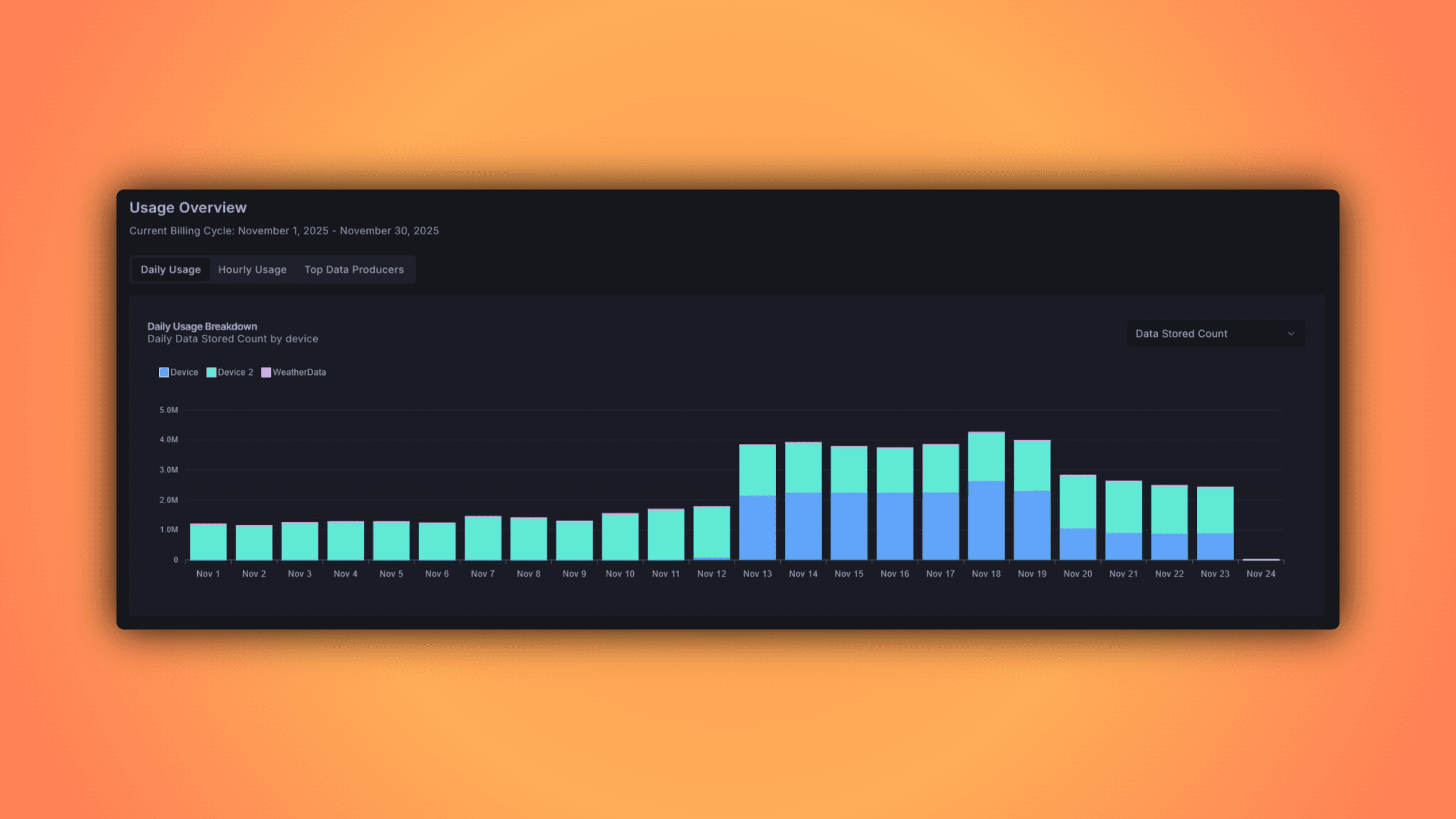
Billing Explorer
The Billing Explorer provides a comprehensive view of your usage metrics and associated costs, allowing you to monitor which variables are being tracked and consumed across your account. Data is aggregated on an hourly basis, giving you...
November 5, 2025
SMS Two-Factor Authentication Now Available
Users can now enable SMS-based two-factor authentication (2FA) to add an extra layer of security to their accounts.
Read more