Dashboards Updates
10 updates in this category.
September 28, 2026
Operator Rounds & Generator
This update covers everything released in ControlCom Connect since August 4. The largest additions are Operator Rounds for recording manual readings, a Generator Event Report for documenting outages and FEMA claims, and a weekly digest of...
Read moreAugust 4, 2026
Smart HMI & Weather Metrics
This update to ControlCom Connect brings environmental context to your data and more powerful tools for managing your HMI and SCADA workflows. From weather overlays on your graphs to advanced duplication tools, plant managers and...
Read moreJune 30, 2026
Diagrams light & dark mode
Hierarchical HMI and Diagrams Building complex visual interfaces for water/wastewater or manufacturing sites is faster with new reusable structures and logic tools in the HMI editor. Nested Diagram Instances: Create reusable diagram...
Read moreJune 4, 2026
Enhanced Alarm Management
This update to ControlCom Connect introduces advanced workflows for managing industrial alerts and more ways to share your data. Plant managers and integrators can now coordinate faster response times through dedicated alarm assignments...
Read moreMay 6, 2026
Device Diagnostics and Security Enhancements
Managing your industrial hardware and facility data is now more transparent. This update to ControlCom Connect brings better diagnostic tools for field devices, enhanced security for large teams, and smarter ways to anticipate system...
Read moreMay 1, 2026
Predictive Monitoring With Anomaly Detection
This update to ControlCom Connect introduces smarter ways to monitor your industrial assets and faster tools to design your HMI screens. From spotting unusual data patterns automatically to streamlining how you edit complex system...
Read moreFebruary 12, 2026
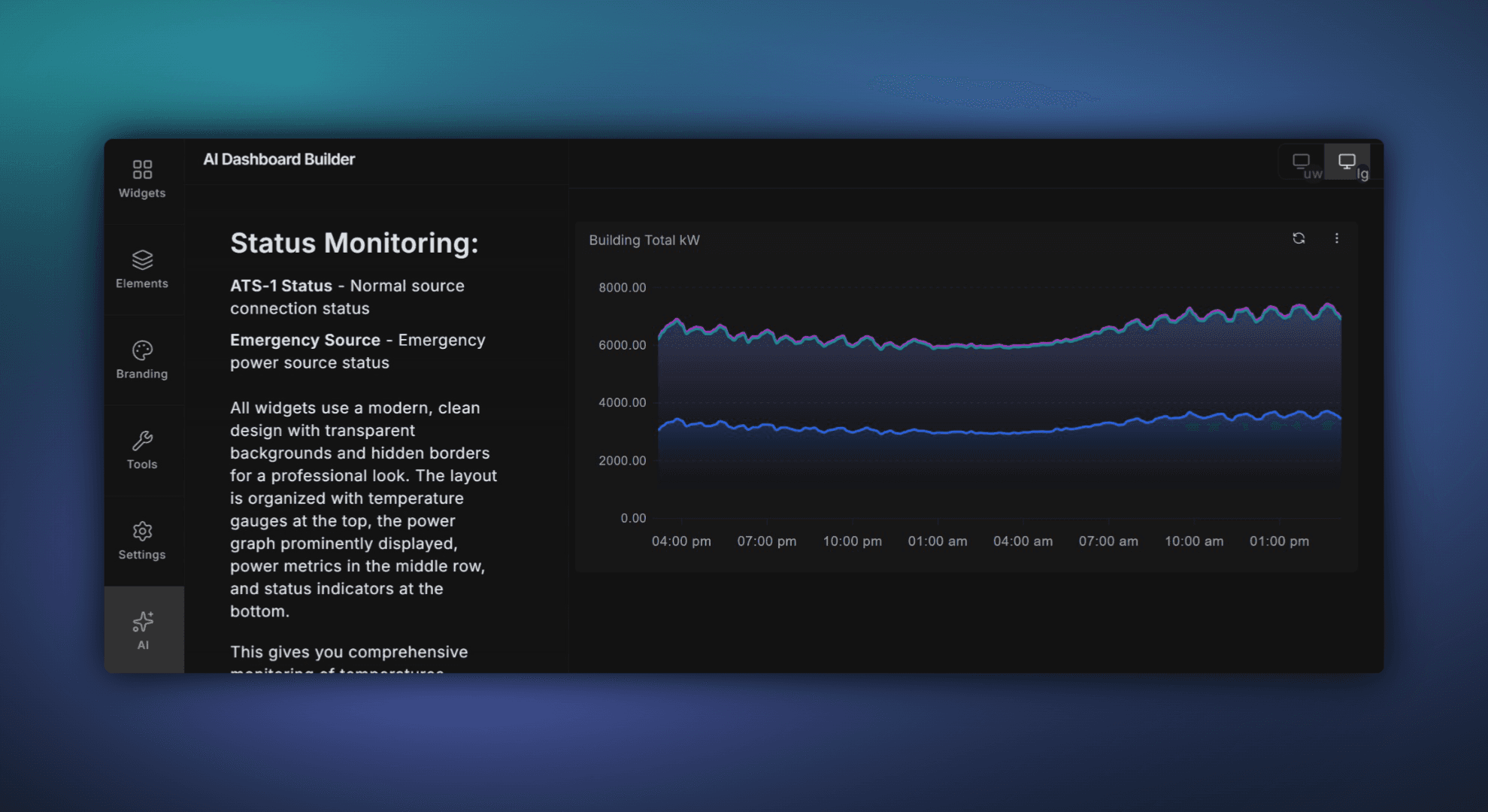
Build Dashboards Faster With the AI Dashboard Builder
Build Dashboards Faster with ControlCom Connect's AI Dashboard Builder Building dashboards in ControlCom Connect just got a whole lot faster. The new AI Dashboard Builder lets you describe what you want to see — in plain language — and...
January 15, 2026
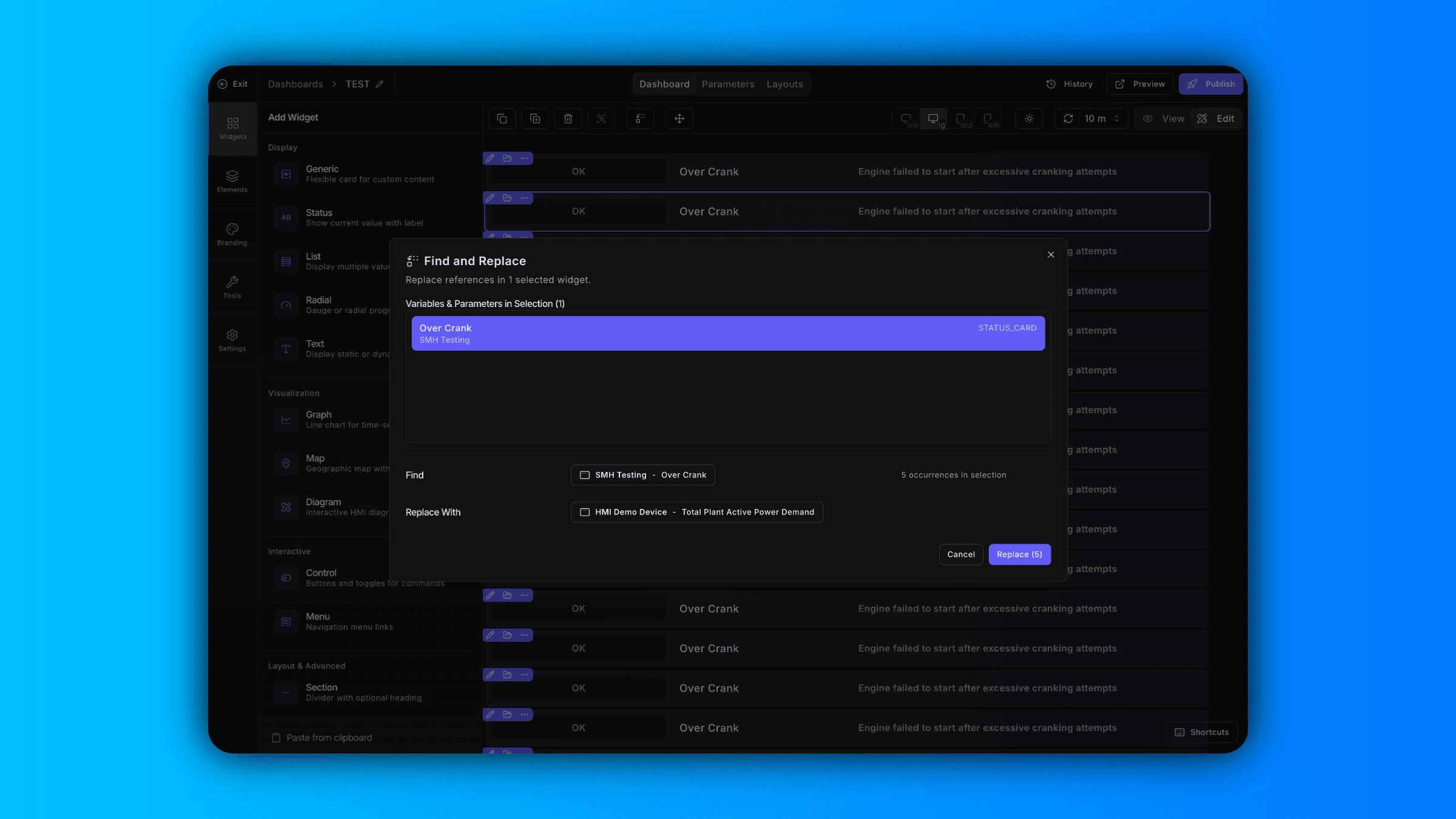
Bulk Variable Replacement and a New Text Widget
Find and Replace Variables Across Your Dashboard Updating variables one widget at a time slows you down. Now in ControlCom Connect, you can find and replace variables in bulk directly from the dashboard editor. Select specific widgets to...
December 29, 2025
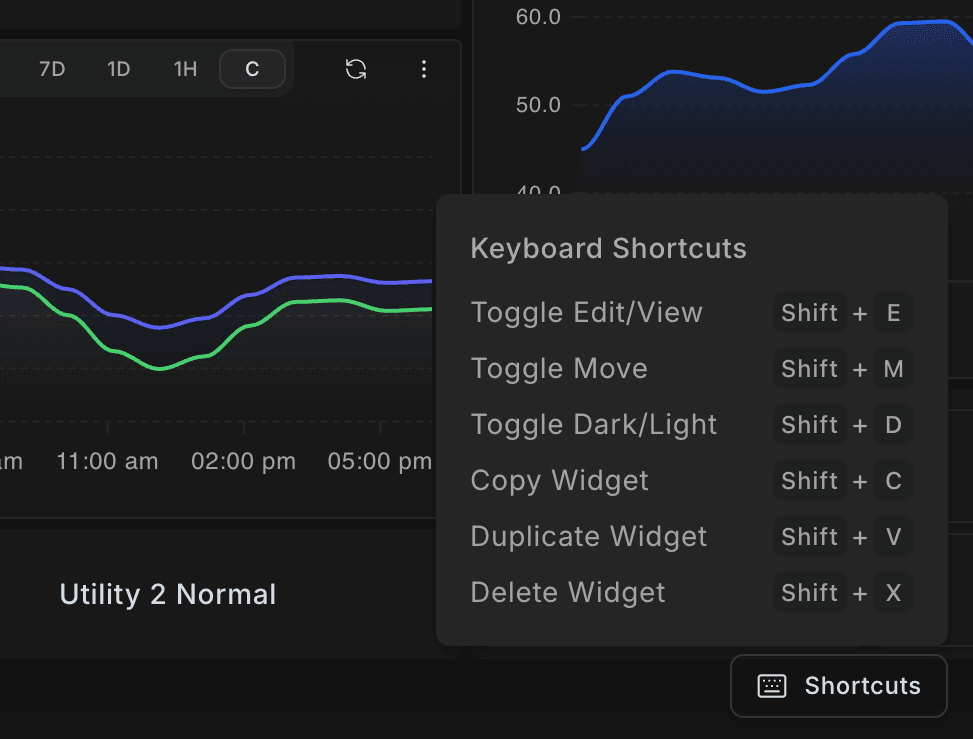
Faster Dashboard Editing with Keyboard Shortcuts
What's New Building dashboards in ControlCom Connect just got faster. This update brings keyboard shortcuts, multi-widget selection, and smoother navigation to the dashboard editor. Keyboard Shortcuts New keyboard shortcuts let you switch...
December 27, 2025
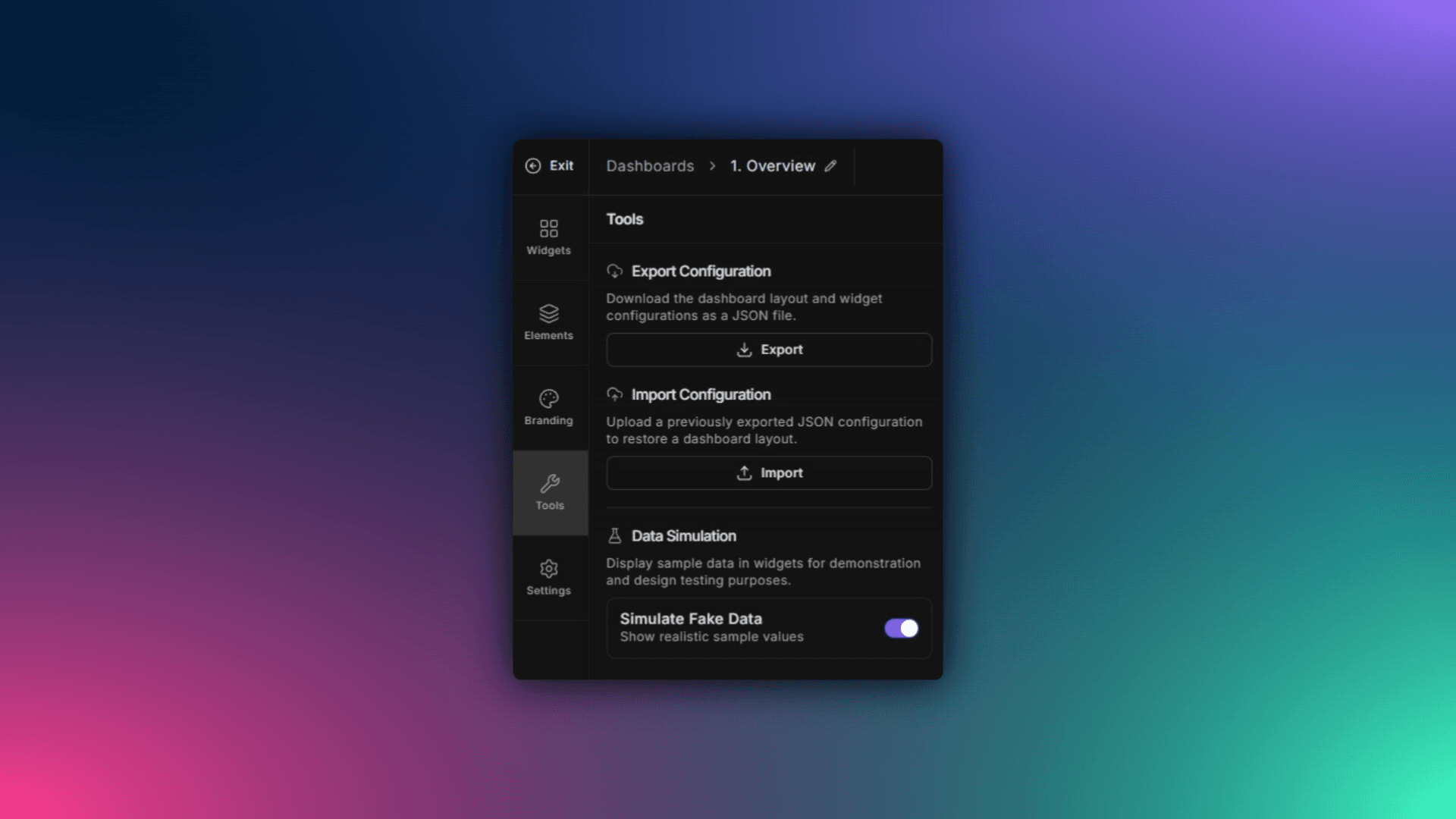
Preview Dashboards with Simulated Data in ControlCom Connect
What's New ControlCom Connect now lets you simulate data on any dashboard, even when your variables have no live values. You can see exactly how your final design will look with realistic data flowing through charts, gauges, and widgets...